Online booking and agenda
Every slot has a barber, and none is sold twice.
The client books on the shop’s link, without calling or waiting for a reply. Two clients never get the same slot with the same barber, or on the same chair.
30 days free, no card.
How it works
From an open slot to a client who changes their mind, in that order.
-
You open your hours
- What you do
- Set opening days and hours for the shop and for each barber, with breaks and closed days.
- What the system does
- Shows the free slots every 15 minutes, sized to each service.
- What the other person sees
- Only slots when the barber can cut.
Rafa · ThursdayExample
- Opens
- 9:00 am
- Break
- 12:00 pm–1:00 pm
- Closes
- 7:00 pm
- Free slots
- 9:00 am · 9:15 am · 9:30 am…
-
You share your link
- What you do
- Publish the shop’s page and put the link on Instagram, on the sign and in your bio.
- What the system does
- Every shop has its page, and every barber has theirs, inside the shop or alone.
- What the other person sees
- Services with prices, barbers and the shop’s colour.
-
The client picks
- What you do
- Nothing.
- What the system does
- Holds the chosen slot for 5 minutes while the client confirms. If the client asks for “any barber”, it picks the one with fewer bookings.
- What the other person sees
- The first time, they confirm their email with a 6-digit code. After that, they book in a few taps.
Haircut · Thursday · RafaExample
- Time
- 6:00 pm
- Price
- R$ 50
- Cancellation
- free until 12 h before
Held for 5 minutes
-
The day runs
- What you do
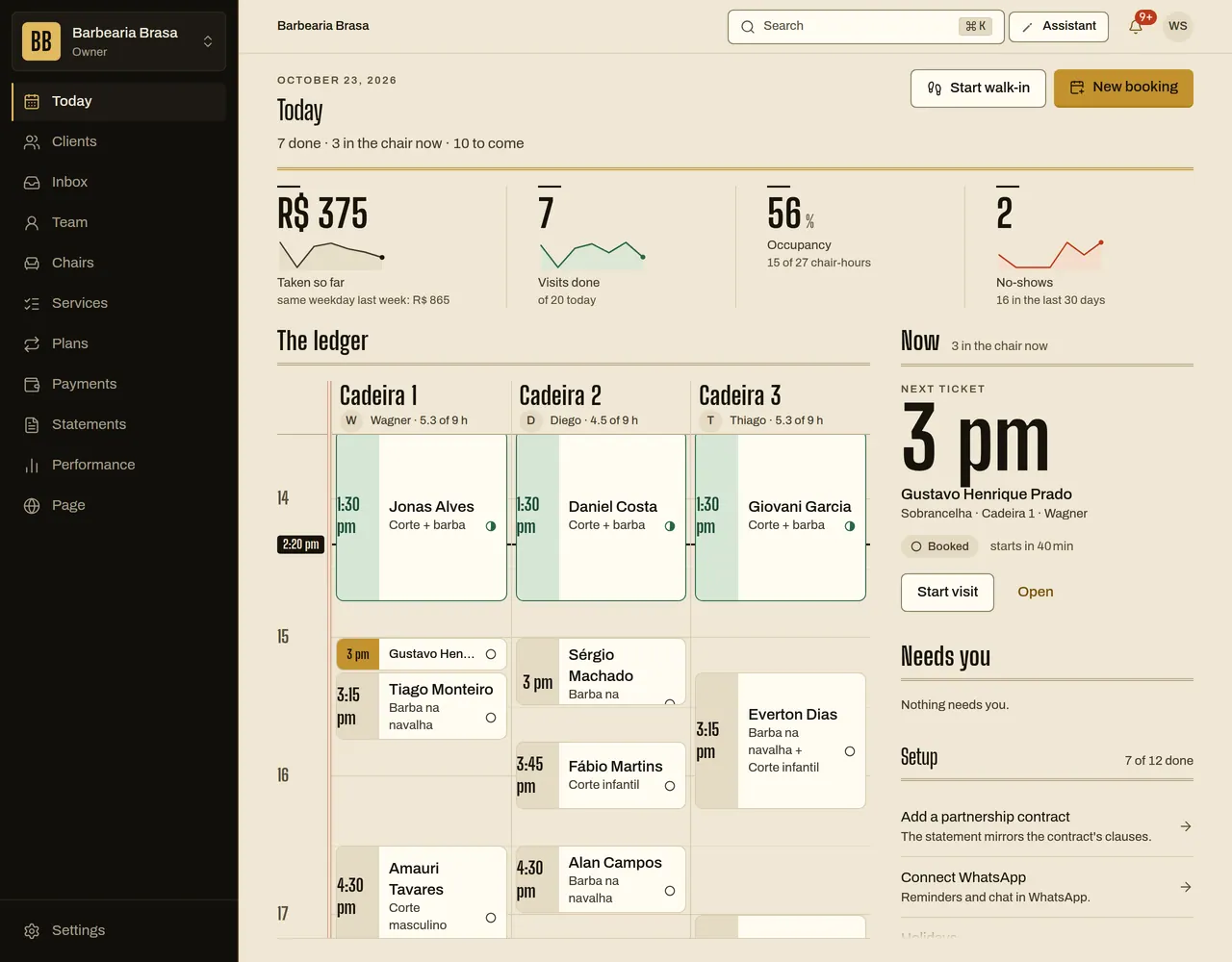
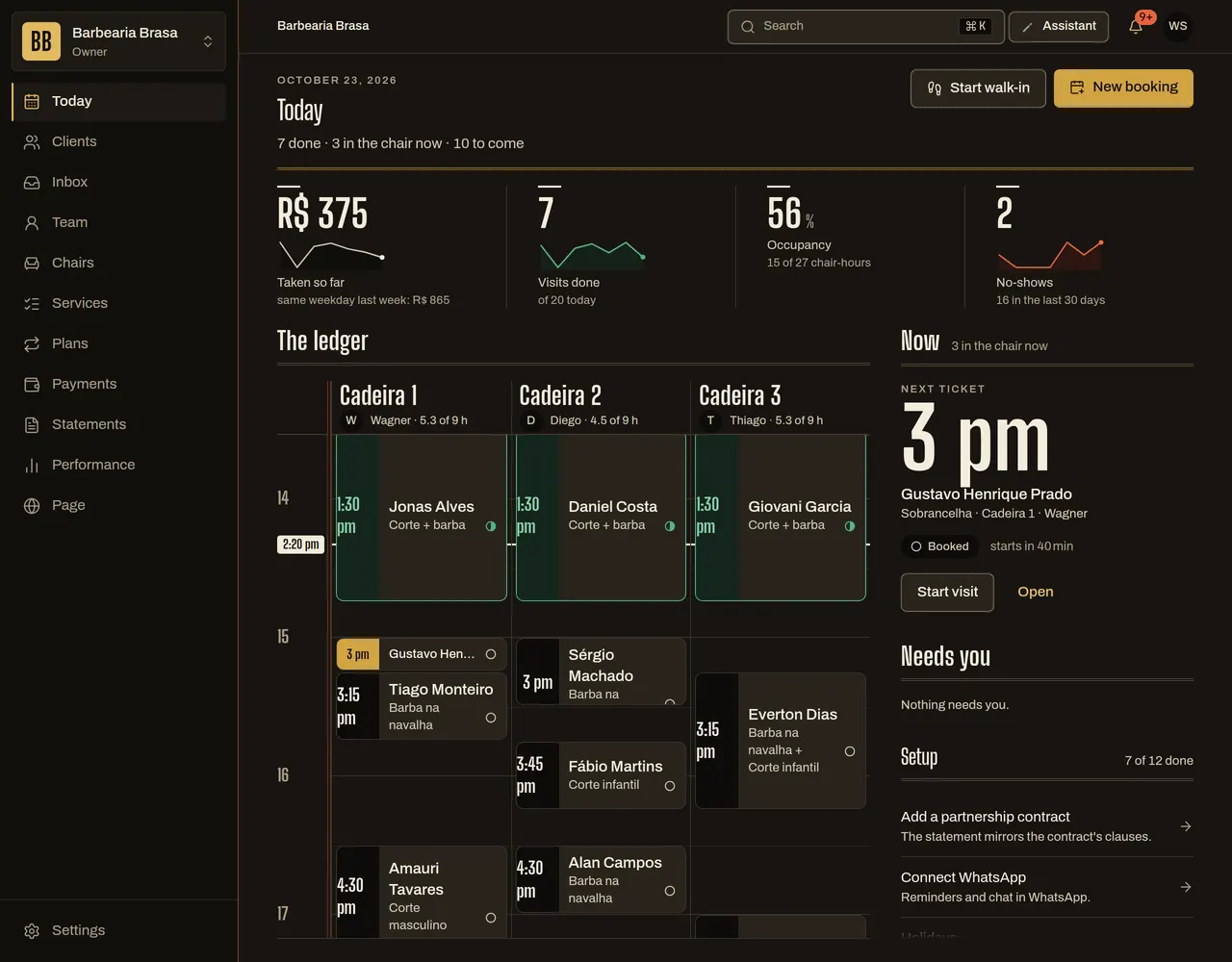
- Open the agenda, see the chairs and what each barber has to do. Fit in walk-ins.
- What the system does
- Sends the client a reminder 24 h and 2 h before, by email or phone notification.
- What the other person sees
- “Tomorrow, 6:00 pm, with Rafa. Coming?”
Reminder · 24 h beforeExample
- Message
- Tomorrow, 6:00 pm, with Rafa. Coming?
- Buttons
- I’m coming · Reschedule
-
The client changes their mind
- What you do
- Nothing, inside the deadline. Outside it, you decide.
- What the system does
- Reschedules or cancels up to the agreed deadline, and the slot goes back on the agenda. In the first 15 minutes after booking, the client can back out at no cost.
- What the other person sees
- “Free cancellation until 12 h before.”
Try booking a slot
63% · 7.5 of 12 chair-hours
Chair 1
Chair 2
Chair 3
14:00 15:00 16:00 17:00 nowStill figure: the final frame of the animation.
The shop’s page, in the shop’s colour
The client books on the shop’s page and signs in to their account at the same address. Both use the colour you chose.
Brasa
Open until 8 pm
- HaircutR$ 50
- BeardR$ 35
- Haircut and beardR$ 75
See how to get there
Still figure: the final frame of the animation.
Rules you control
- Gap between slots
- 15 minutes
- Minimum notice to book
- 60 minutes
- How far ahead clients can book
- 60 days
- Free cancellation
- until 12 h before
- Backing out right after booking
- 15 minutes, at no cost
- Time to confirm a chosen slot
- 5 minutes
- Deposit
- off (you set the percentage)
- No-show fee
- off (you set the percentage)
- Client phone
- optional (you can require it)
- Who serves “any barber”
- the one with fewer bookings (or team order, if you prefer)
- Assistant on your link
- on
- Quiet hours for reminders
- none (you set the window)
What it does not do yet
- It doesn’t issue invoices (NFS-e).
- It doesn’t merge several shops into one agenda: each shop has its own.
- A barber can link their agenda to Google Calendar. People on Apple or Outlook get the invitation by email, and the agenda doesn’t sync back here.
Questions
Can the client book without an account?
They only need an email, confirmed by a 6-digit code. They can also sign in with Google, when that option is on.
Can I block a time or a day?
Yes. If a booking is already there, the system shows which ones and you choose: keep the bookings or cancel them, and canceling tells the client.
Does the client get reminders?
Yes, 24 h and 2 h before, by email or phone notification. A reminder that would land less than 30 minutes before the slot is not sent, and you can set quiet hours.
Can my client reschedule alone?
Yes, on the link or in the chat, within the cancellation deadline.